How to Create Your First Design in Canva: A Step-by-Step Guide
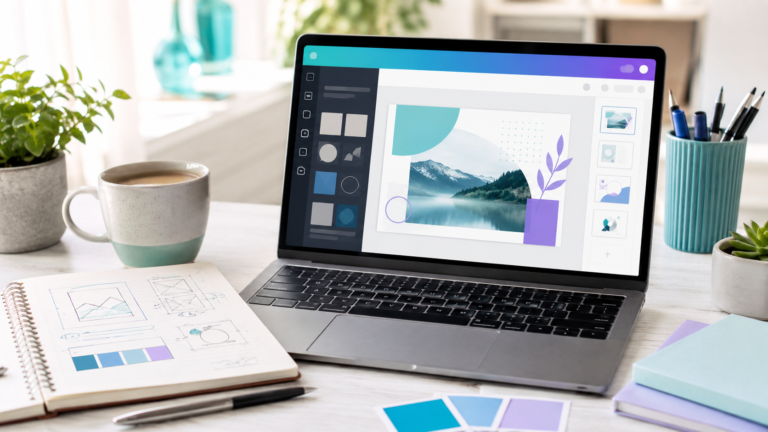
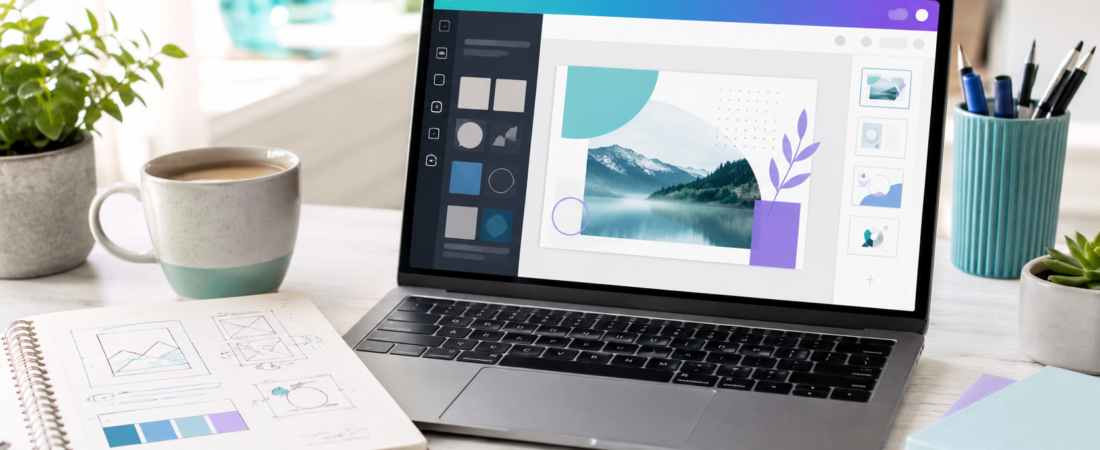
Canva is a powerful tool that makes graphic design accessible to everyone. In this tutorial, we will walk through the simple steps to start your very first project.
1. Choose Your Dimensions
Start by clicking the “Create a design” button in the top right corner. You can search for specific templates like “Instagram Post” or “YouTube Thumbnail” to get the perfect dimensions automatically.
2. Explore the Elements
Use the Elements tab in the left-hand sidebar to add shapes, professional photos, and unique icons. You can simply drag and drop these onto your canvas.
3. Add Your Text
Click the Text tab to add a heading. Pick a font that matches your brand style and use the toolbar at the top to adjust the size, color, and spacing.
4. Download and Share
Once you’re happy with your design, hit the “Share” button in the top right corner. From here, you can download your masterpiece as a PNG or JPG file to share with the world.